Four lightweight laptops for writing a graduate thesis
The MacBook Air 13-inch M5 is our pick for a thesis that moves between Word, Zotero and a large desk monitor. The Yoga Slim 7i Ultra favors a long walking commute, the MacBook Neo suits a lighter writing load, and the 13-inch Surface offers a tall touchscreen for annotating and reading.
The shortlist
Which lightweight laptops are good for graduate students?
A thesis laptop has to do more than display a blank document. A realistic afternoon includes a PDF open to a footnote, a browser with an archive catalogue, the chapter in a word processor, and comments from two supervisors. Start by opening a copy of that combination. Check whether your citation style, tracked changes and footnotes survive a round trip through the tools your department uses.
A bigger laptop is tempting for the library. At home, however, adding a full-size monitor to a lighter notebook may give you more usable work space for the entire writing year. That choice makes the computer’s display connections, your desk footprint and the number of books in your bag especially relevant.
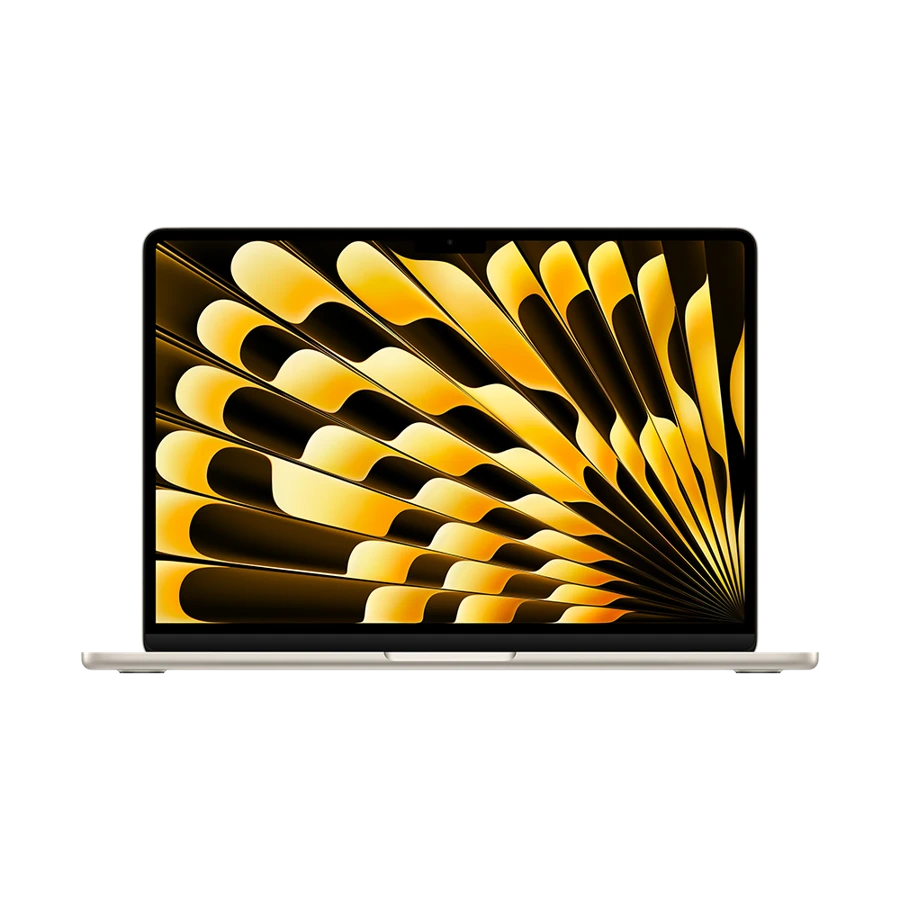
Apple MacBook Air 13-inch (M5)
13-inch M5, 2026
The M5 Air is the most balanced choice here for an established Mac writing workflow with a larger desk display.
The base specification includes 16 GB of memory and 512 GB of storage. Apple lists support for two compatible external displays while the internal screen remains available. A writer can keep a chapter on an external monitor, source notes on the notebook and still have room to add a second display later.
Try the full citation workflow on the Mac edition of the department’s word processor before moving in the middle of the degree. Zotero documents the word processor and browser versions it supports. That page and a real manuscript are better guides than a generic assurance that a word processor runs on both platforms.
- What works
- Usable standard memory and flexible desk-display support.
- Trade-off
- The two Thunderbolt ports need an adapter for USB-A recording equipment.
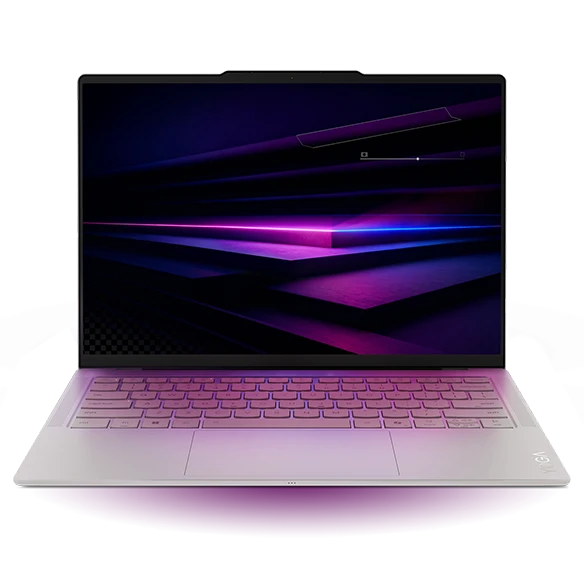
Lenovo Yoga Slim 7i Ultra Aura Edition
Gen 11, 14IPH11
Choose the Yoga for a Windows writing workflow when the notebook shares a bag with hardback books.
Lenovo’s starting mass of 975 g leaves about 255 g more space in a weight budget than a 1.23 kg notebook. That difference applies before the charger, sleeve and exact configuration are considered. It is enough to affect how often the laptop comes to the library instead of staying at the desk.
The 14-inch 16:10 OLED screen gives a chapter and notes a reasonably broad canvas. Enlarge a densely annotated page before selecting the screen on specifications alone. A higher pixel count helps with fine detail, while font scaling determines how much of a long paragraph you can actually read at once.
- What works
- Low starting mass and a useful 14-inch writing surface.
- Trade-off
- A conventional USB stick or external HDMI monitor adds a connector to the shopping list.
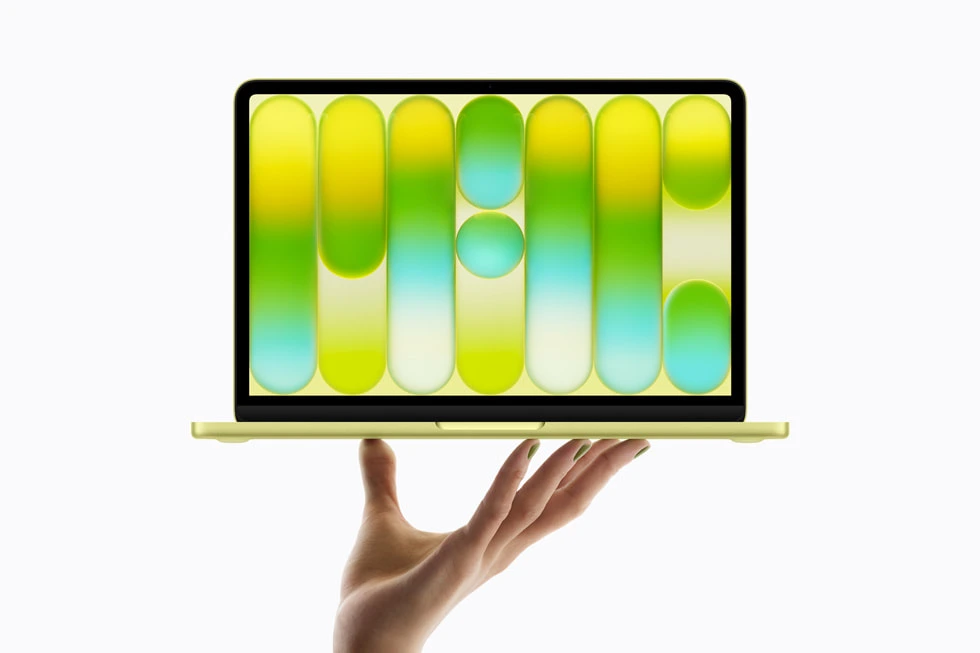
Apple MacBook Neo
13-inch A18 Pro, 2026
A MacBook Neo fits students who mainly read, draft and reference on one external monitor, with only occasional analysis.
The Neo has 8 GB of memory and starts with 256 GB of storage. It can drive one external display at up to 4K and 60 Hz. For a thesis composed primarily of text and compressed PDFs, that can be a more sensible starting point than ordering memory and storage for an imagined software project.
The two USB-C sockets have different capabilities. Apple specifies the leftmost port on its left edge for displays and faster USB 3 devices. Use the other USB-C connection to charge. If you need two external screens, make that a purchase requirement rather than trying to solve it after the return window.
- What works
- A straightforward Mac for writing, references and one desk display.
- Trade-off
- The 8 GB memory ceiling narrows its appeal for analysis or heavy multitasking.
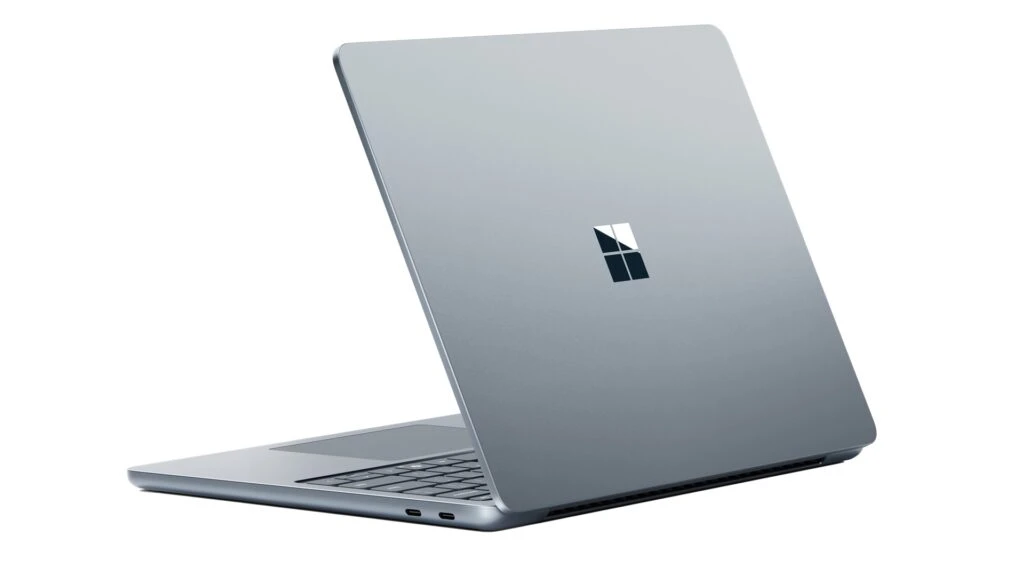
Microsoft Surface Laptop for Business 13-inch
Snapdragon X Plus 8-core
The 3:2 Surface screen gives portrait-format sources a useful shape on a small library desk.
The 13-inch model has a 1920 × 1280 touchscreen and a chassis about 286 mm wide. A reader can move through a long scan without reaching for a mouse. Its native USB-A port also serves common memory sticks, subject to the university’s device policy.
Choose this Snapdragon version once the citation plug-in, specialist keyboard input and any examination software are approved by your institution. A standard browser workflow is easier to evaluate than a department-built template that depends on a specific installer. Bring that template to the comparison.
- What works
- Compact footprint and a tall touch display for reading.
- Trade-off
- An institution-specific driver or examination tool needs a separate Arm compatibility check.
Specifications at a glance
| Model | Laptop weight | Processor | Display | Memory | Connections |
|---|---|---|---|---|---|
| MacBook Air 13 M5 | 1.23 kg | Apple M5 | 13.6 in · 2560 × 1664 | 16 GB base, up to 32 GB | 2 × Thunderbolt 4, MagSafe 3, audio |
| Yoga Slim 7i Ultra | From 975 g | Intel Core Ultra 7 355 option | 14 in · 2.8K OLED touch | 32 GB configuration | 3 × Thunderbolt 4 |
| MacBook Neo | 1.23 kg | Apple A18 Pro | 13 in · 2408 × 1506 | 8 GB | USB-C (USB 3), USB-C (USB 2), audio |
| Surface Laptop 13 | 1.22 kg | Snapdragon X Plus | 13 in · 1920 × 1280 touch | 16 or 24 GB | 2 × USB-C 3.2, USB-A, audio |
Manufacturer figures for the named model or configuration. Starting weights exclude accessories and can vary with the screen and hardware selected.
Budget for an archive you can carry
Take a local PDF collection as an example. At an assumed 6 MB per item, 1,500 files occupy about 9 GB in decimal units. Your own image scans could be far larger. The calculation makes a simple point: small PDFs may be a minor storage expense beside interview media and large images. Look at the actual folder before ordering additional storage.
| Example item | Assumption | Space to plan |
|---|---|---|
| Reading library | 1,500 PDFs × 6 MB | 9 GB |
| Interview audio | 40 recordings × 100 MB | 4 GB |
| Archival scans | 300 images × 40 MB | 12 GB |
| Working total | 9 + 4 + 12 GB | 25 GB, before apps, versions and backups |
Try the four parts of a writing session
Open the two pages of a source you compare most often. Increase the type until it is comfortable, then open your chapter beside it. A small high-resolution screen can render fine text clearly while still leaving too little physical space for the two windows you want. The useful test is whether you can read at your usual distance without leaning forward.
Insert three new citations, move a paragraph with a footnote, regenerate the bibliography and share the file with someone using the departmental setup. Save an independent backup of this trial. A device that works smoothly with your existing manuscript is easier to justify than an upgrade bought for a theoretical future application.
How we chose
We considered four stages of a thesis: gathering sources, reading them, drafting and returning comments. We matched screen format, ports, memory and display support to those stages. The archive example uses stated hypothetical file sizes; it is a worksheet for your own folder, not a benchmark.
Frequently asked questions
Is 256 GB enough for a thesis?
It can be enough for text and ordinary PDFs. Measure scans, recordings and image collections separately, then allow room for apps, updates and working copies. Keep an independent backup regardless of capacity.
Do I need a pen-sized laptop for PDF annotation?
Generally a trackpad and a familiar PDF application are enough for text highlighting. If handwriting in margins is central to your workflow, confirm the precise device and pen combination before ordering.
Which software check should I do first?
Open a copy of a real chapter and add a citation through the department’s reference manager. Exchange the copy with a colleague and confirm fields and notes still work.
Sources & specifications
- Apple MacBook Air 13-inch (M5) · official specifications
- Lenovo Yoga Slim 7i Ultra Aura Edition · official specifications
- Apple MacBook Neo · official specifications
- Microsoft Surface Laptop for Business 13-inch · official specifications
- Zotero system and word processor requirements
- Apple guide to MacBook Neo ports