Lightweight laptops for a five-stop client roadshow
A five-stop roadshow favors the ThinkPad X1 Carbon Gen 13 for rooms with mixed presentation equipment. The Yoga Slim 7i Ultra is a lighter starting point for a USB-C itinerary. The 13-inch M5 MacBook Air fits a Mac demo, while a Framework Laptop 13 lets a team choose ports for its own demonstration kit.

The shortlist
Which lightweight laptops would you recommend for business travelers?
A sales consultant might present a model to finance on Monday, run a workshop on Wednesday and deliver a revised proposal in a hotel on Thursday. Pick a computer against the hardest handoff. Losing ten minutes finding the right cable at five client sites costs fifty minutes across a single week. That is an example of accumulated setup time, not a claim about how fast any notebook starts.
Draw the path from your laptop to the audience. Is the installed display cable HDMI? Does a USB remote advance slides? Does the demo depend on a corporate VPN, a client-installed browser extension or a physical license key? The correct answer can be a familiar machine with the right socket even when another notebook wins on screen specifications.
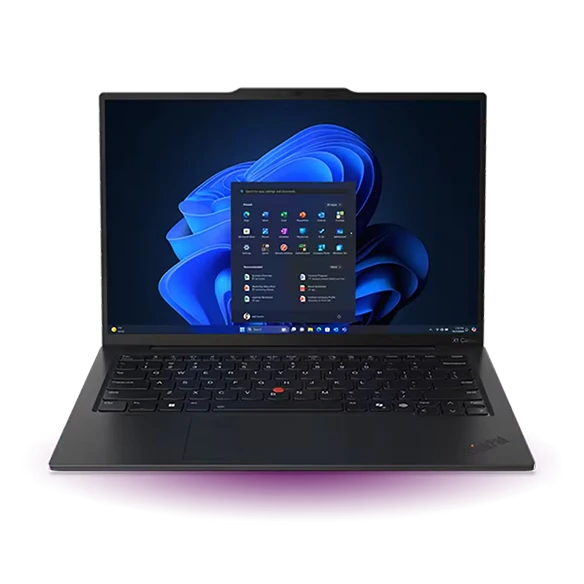
Lenovo ThinkPad X1 Carbon Gen 13
Aura Edition, 21NS0014US
The X1 Carbon lets an account team arrive with fewer unknowns about how slides will reach the screen.
On the named Gen 13 unit, a full-size HDMI output and two USB-A ports sit alongside Thunderbolt 4. A wired presentation display, the clicker receiver and an authorized USB key can coexist without borrowing a port from the charger. That matters when the room is booked back-to-back.
Choose the company-approved operating-system configuration and check whether the machine type is covered by the service arrangement your business actually uses. A professional product name by itself provides no information about the support terms in a particular country.
- What works
- Useful built-in connectors for multi-stop demonstrations.
- Trade-off
- The specific memory, display and service plan should appear on the purchase quote.
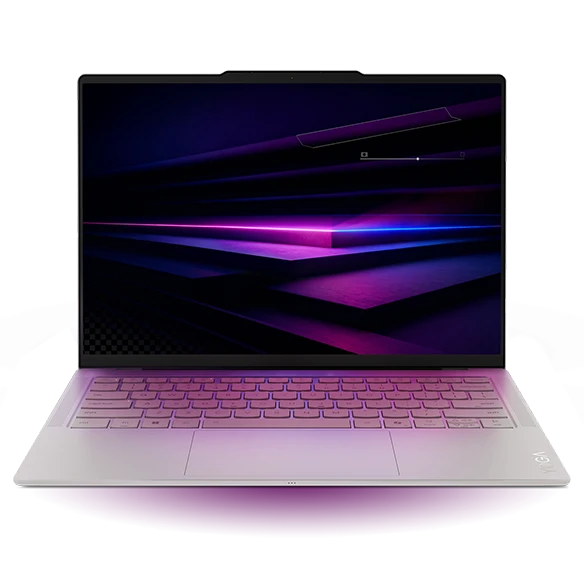
Lenovo Yoga Slim 7i Ultra Aura Edition
Gen 11, 14IPH11
The Yoga is a strong alternative when the calendar is full of venues with predictable USB-C equipment.
The 14-inch Ultra starts at 975 g and has three Thunderbolt 4 ports. If you carry a compact dock for HDMI and a remote, there is still a direct connection available for another device. Keep your dock and its short cable together so a missing lead does not cancel the benefit.
A common procurement mistake is copying a generic “Slim 7i” description into the order. For this recommendation, match the Ultra name and the 14IPH11 family. Different Slim 7 machines can have different weights, panels and ports.
- What works
- One lightweight notebook can follow the same docking routine in several offices.
- Trade-off
- The presenter depends on a working display adapter in an HDMI-only room.
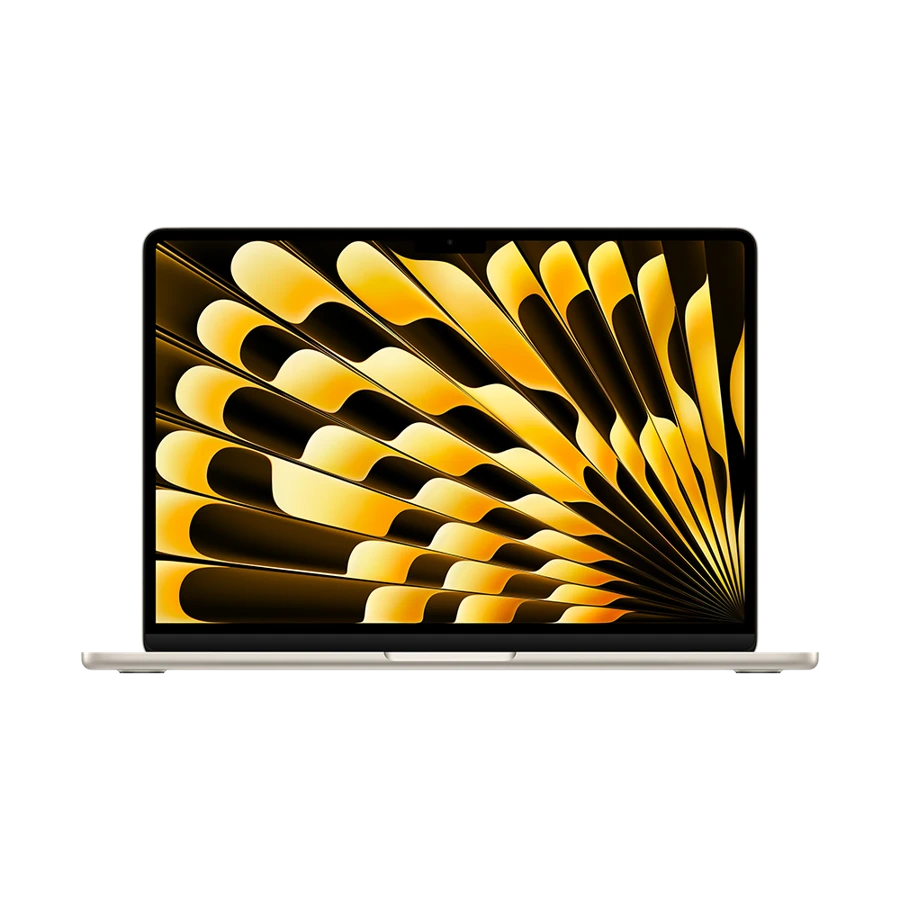
Apple MacBook Air 13-inch (M5)
13-inch M5, 2026
Pick the M5 Air if the product demo itself lives in macOS or the company creative team owns the deck.
Apple supports up to two compatible external displays along with the notebook screen. This gives a trainer the option to drive an audience display while keeping a separate reference display at the office. A client’s room still needs the right cable or dock for its signal.
Try your exact presenter hardware with Keynote or PowerPoint, including audio playback. For a mirrored demonstration, simplify the desktop in advance and open a local copy of the file. The laptop specification does not tell you whether a cross-platform slide deck substituted a font.
- What works
- Documented external-display options and separate MagSafe charging.
- Trade-off
- Legacy boardroom peripherals need adapters, and some client software calls for Windows.
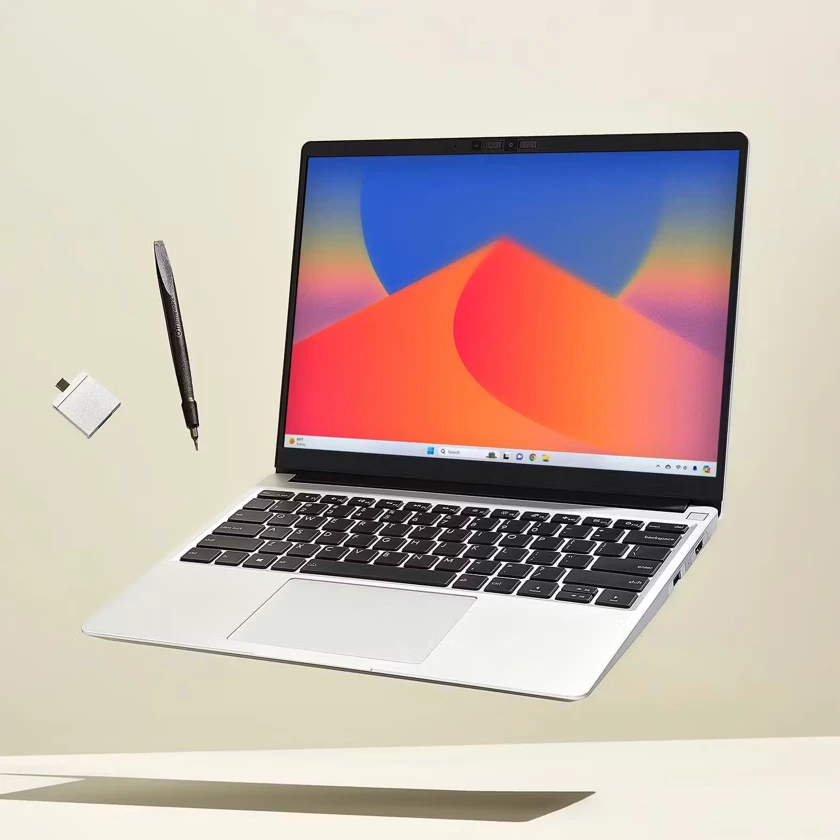
Framework Laptop 13 (AMD Ryzen AI 300)
AMD Ryzen AI 300 Series
A Framework Laptop 13 can be configured around the demo equipment your team carries most often.
The AMD Ryzen AI 300 model weighs 1.3 kg and has four user-selectable Expansion Card positions. A presenter can specify the appropriate HDMI and USB-A cards when ordering rather than buying a standard port layout and adding a separate dock. Confirm the card placement and supported bandwidth in the model specification.
The X1 Carbon is lighter at its listed starting weight and already provides both HDMI and USB-A. The Framework is more attractive when the team regularly changes the demonstration hardware or wants to replace individual parts over the life of the machine. Include the cost of the required cards when comparing quotations.
- What works
- Configurable ports can be matched to a recurring demonstration kit.
- Trade-off
- The 1.3 kg laptop is heavier than either Lenovo starting figure.
Specifications at a glance
| Model | Laptop weight | Processor | Display | Memory | Connections |
|---|---|---|---|---|---|
| ThinkPad X1 Carbon | From 986 g | Intel Core Ultra 7 258V | 14 in · 2.8K OLED | 32 GB | 2 × Thunderbolt 4, 2 × USB-A, HDMI |
| Yoga Slim 7i Ultra | From 975 g | Intel Core Ultra 7 355 option | 14 in · 2.8K OLED touch | 32 GB configuration | 3 × Thunderbolt 4 |
| MacBook Air 13 M5 | 1.23 kg | Apple M5 | 13.6 in · 2560 × 1664 | 16 GB base, up to 32 GB | 2 × Thunderbolt 4, MagSafe 3, audio |
| Framework Laptop 13 | 1.3 kg | AMD Ryzen AI 300 Series | 13.5 in · 3:2 | 2 DDR5 SO-DIMM slots, up to 96 GB | 4 user-selectable Expansion Cards |
Manufacturer figures for the named model or configuration. Starting weights exclude accessories and can vary with the screen and hardware selected.
A five-room connection plan
Here is a sample itinerary for a consultant carrying a presenter remote. Verify each room with the venue. The useful tally is the number of different connections that could fail, rather than the number of logos on the dock.
| Stop | Room equipment | Packing decision |
|---|---|---|
| 1 · Branch office | HDMI lead and USB-A remote | X1 connects directly. USB-C-only laptops need HDMI and USB-A support. |
| 2 · Hotel workshop | USB-C screen, no remote | Test display output with the hotel cable and bring local slides. |
| 3 · Client training room | HDMI cable, guest Wi-Fi | Carry an offline demo and a compatible display adapter if needed. |
| 4 · Coworking desk | Dock with charging and webcam | Check the dock’s power output with your notebook connected. |
| 5 · Customer boardroom | Wireless screen of unknown brand | Ask for a wired option and verify audio separately. |
Rehearse the demo offline
Create a copy of the demo with no saved login, synchronize the required files and then close the lid. Reopen the machine away from Wi-Fi and walk through the presentation in order. Look for steps that call a remote font library, load a cloud workbook or open a private video. An exported PDF solves only the first part of a software demonstration.
Before leaving the first hotel, label any adapter you cannot deliver without. A borrowed cable can make a fine backup, but it may not support video or the resolution you want. If you use a second monitor during a workshop, put the speaker notes on the internal display before you mirror anything in front of a client.
How we chose
We ranked the models by the cost of a failed handoff in the sample itinerary. The X1 leads where ports reduce dependencies; the Yoga leads for a known USB-C route. The Air is evaluated against a Mac workflow and the Framework against the flexibility and cost of its port cards. Hardware claims come from the linked manufacturer sheets.
Frequently asked questions
Should our team standardize on one adapter?
Yes if the adapter has been tried with every laptop, room resolution and presentation remote in the kit. Label the model and record the tested setup so a replacement can be ordered precisely.
Which feature helps in the most unpredictable rooms?
A physical HDMI output is valuable for common wired displays. Ask venues about cable type first. An unusual projector can still require a converter even if the laptop has several native connectors.
Can a lighter laptop replace a demo workstation?
A travel notebook can control a remote workstation if the connection, company policy and demo tolerate it. Bring an offline fallback when the presentation must continue during an outage.