Four lightweight laptops for your first business trip
For a first work trip, the Lenovo Yoga Slim 7i Ultra is a strong fit if you carry the computer all day and know how you will connect to the meeting room. Choose the ThinkPad X1 Carbon for unfamiliar projectors, the MacBook Air for a Mac-based office, or Surface for browser-led work in a compact footprint.
The shortlist
Which lightweight laptops would you recommend for business travelers?
A laptop earns its place in a carry-on at the least convenient moment. That might be the walk between terminals, but it might equally be the three minutes before you have to share a slide. Ask the meeting organizer for a photograph of the cable on the table. An HDMI plug, an installed USB-C docking cable and a screen that only takes wireless casting lead to different shopping lists.
Write down the applications your employer requires, the connector supplied at the destination and the longest stretch without a desk. These four recommendations prioritize a different answer to each problem. Each can travel in an ordinary work bag, but only one of them includes both a conventional HDMI output and two rectangular USB-A ports.
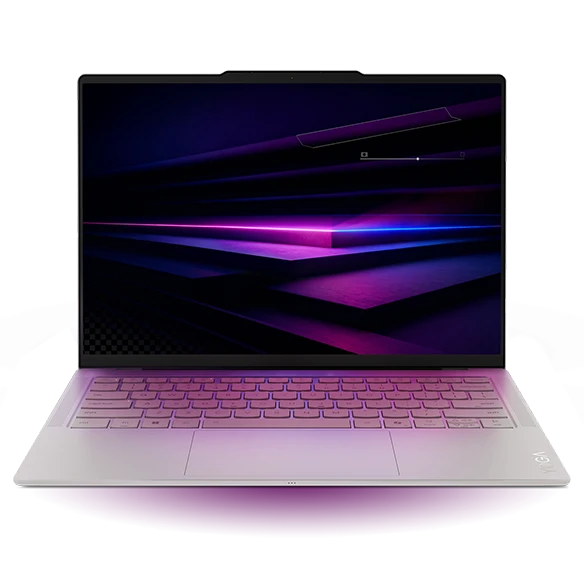
Lenovo Yoga Slim 7i Ultra Aura Edition
Gen 11, 14IPH11
Choose the Yoga when every gram rides on your shoulder and a USB-C display or small adapter is already part of the plan.
Lenovo lists a starting weight of 975 g and three Thunderbolt 4 ports for the 14-inch Ultra. Two ports are on the left and one on the right. In a cramped booth, having a charging connection on either side can matter more than the difference between two processor bins.
The 14-inch screen leaves enough horizontal space to edit a slide while keeping its notes visible. For an HDMI-equipped client room, add one tested adapter to the purchase list. We would spend the first accessory dollar on that connection before paying for a faster processor for presentation work.
- What works
- Sub-kilogram starting weight with three fast USB-C connectors.
- Trade-off
- The chassis has no full-size HDMI or USB-A port.
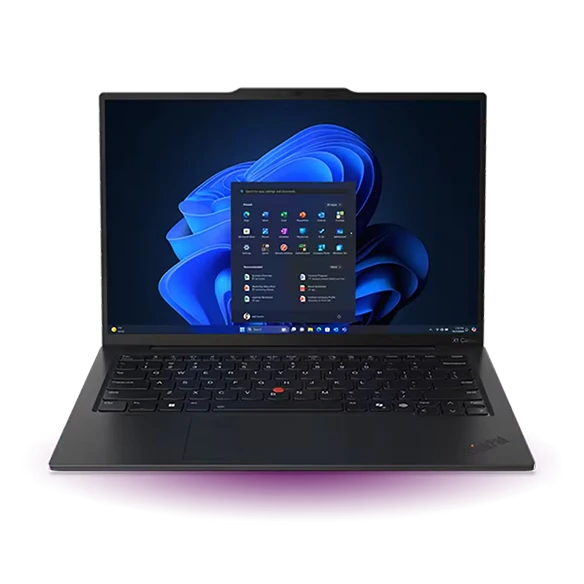
Lenovo ThinkPad X1 Carbon Gen 13
Aura Edition, 21NS0014US
The X1 Carbon is the easier machine to hand to a presenter who does not know the room.
The listed Gen 13 configuration has HDMI, two USB-A ports and two Thunderbolt 4 connections. Plugging in a conventional presentation remote does not occupy the socket needed to send the slides to the screen. You can also use an ordinary thumb drive without a separate hub if your organization permits it.
Lenovo quotes a 986 g starting figure. Since that is close to the Yoga’s advertised minimum, compare actual configurations rather than assuming the ThinkPad is the heavier travel compromise. The extra connectors are particularly valuable on a trip where the local host owns the room.
- What works
- Direct projector and legacy accessory connections.
- Trade-off
- Check the exact machine-type code when comparing an offer for a different X1 Carbon.
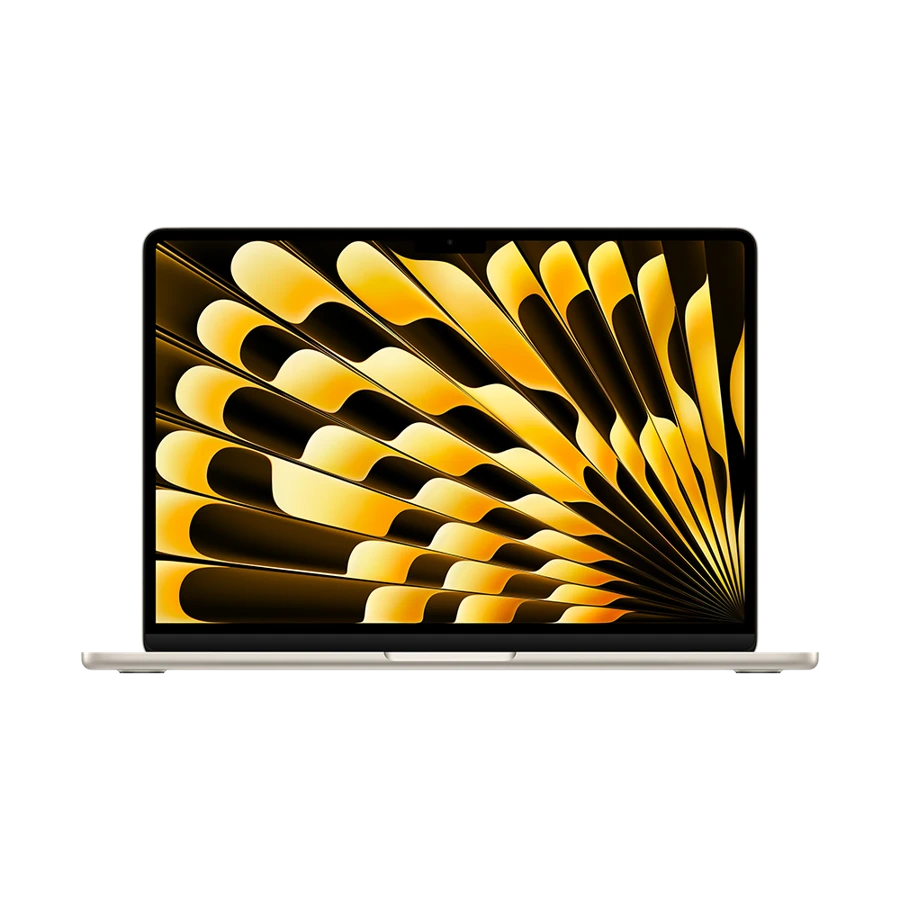
Apple MacBook Air 13-inch (M5)
13-inch M5, 2026
The 13-inch M5 Air fits a Mac-based team whose files, sign-in and meeting software already work together.
Apple specifies a 1.23 kg body, a MagSafe charging connection and two Thunderbolt 4 ports. Plugging in a MagSafe lead leaves both data ports available. If the meeting room has its own USB-C display cable, check that it carries a video signal before leaving your other adapter at home.
A traveler who already gives presentations from macOS can reuse familiar workflows and keyboard shortcuts. Someone moving from a managed Windows machine should test the company presentation template, any add-in and the security client first. A perfect display picture cannot repair a missing corporate plug-in.
- What works
- Dedicated charging keeps both Thunderbolt ports available.
- Trade-off
- USB-A accessories and an HDMI projector need suitable adapters.
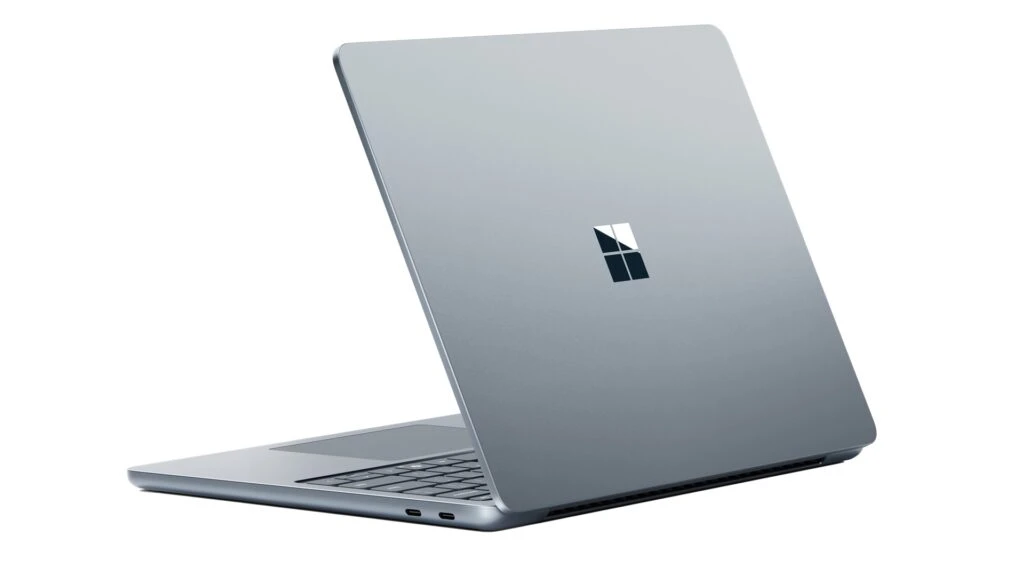
Microsoft Surface Laptop for Business 13-inch
Snapdragon X Plus 8-core
Surface suits a traveler who alternates between browser forms, email and PDF reading and wants a short, narrow chassis.
The 13-inch Snapdragon X Plus business model measures about 286 mm across. Its 3:2 display gives browser forms useful height. The built-in USB-A port takes a conventional peripheral, so a USB-C port can remain available for a compatible display.
Check your company’s endpoint agent and VPN with IT. Windows 11 on Arm can run many familiar applications through emulation, while a device that needs a special driver must have suitable Arm support. A work laptop must pass that check even if all of its everyday tasks happen in a browser.
- What works
- Small footprint and a built-in USB-A port.
- Trade-off
- Compatibility of corporate drivers can be decisive on this Arm model.
Specifications at a glance
| Model | Laptop weight | Processor | Display | Memory | Connections |
|---|---|---|---|---|---|
| Yoga Slim 7i Ultra | From 975 g | Intel Core Ultra 7 355 option | 14 in · 2.8K OLED touch | 32 GB configuration | 3 × Thunderbolt 4 |
| ThinkPad X1 Carbon | From 986 g | Intel Core Ultra 7 258V | 14 in · 2.8K OLED | 32 GB | 2 × Thunderbolt 4, 2 × USB-A, HDMI |
| MacBook Air 13 M5 | 1.23 kg | Apple M5 | 13.6 in · 2560 × 1664 | 16 GB base, up to 32 GB | 2 × Thunderbolt 4, MagSafe 3, audio |
| Surface Laptop 13 | 1.22 kg | Snapdragon X Plus | 13 in · 1920 × 1280 touch | 16 or 24 GB | 2 × USB-C 3.2, USB-A, audio |
Manufacturer figures for the named model or configuration. Starting weights exclude accessories and can vary with the screen and hardware selected.
What actually goes in the bag
Consider a traveler choosing between the lightest advertised Yoga configuration and a 1.23 kg MacBook Air. The notebook-only difference is 255 g. For an illustrative packing calculation, suppose the Yoga setup needs a 65 g display adapter and both travelers bring the same 180 g of charging equipment. The table shows what changes; the accessory masses are example inputs, not product measurements.
| Example packing list | Notebook | Illustrative accessories | Combined mass |
|---|---|---|---|
| Yoga, USB-C room | 975 g starting | 180 g | 1,155 g |
| Yoga, HDMI room | 975 g starting | 180 g + 65 g | 1,220 g |
| MacBook Air, USB-C room | 1,230 g | 180 g | 1,410 g |
| MacBook Air, HDMI room | 1,230 g | 180 g + 65 g | 1,475 g |
An evening-before rehearsal
Open the presentation while disconnected from the network. Include any linked video and the fonts you use for charts. Connect the exact cable or adapter you intend to carry, enable the extended desktop and see which screen shows your notes. A PDF copy on local storage gives the host a second way to display the slides.
Bring a charger and cable that work together with your notebook. A wall block with two outputs can divide its rated power when a phone is plugged in. If you expect to recharge during a single short connection, check the block’s per-port output with both devices attached. Rehearse once with the actual equipment rather than treating a maximum printed on a box as a recharge promise.
How we chose
We started with four travel problems: carried mass, an unknown projector, an existing Mac workflow and a narrow work surface. We compared manufacturer dimensions, ports and platform documentation for the versions listed. The packing calculation uses disclosed example accessories. The recommendations do not rely on invented battery or performance tests.
Frequently asked questions
Which one would you buy if the room details are unknown?
The X1 Carbon has the most straightforward path to a common setup: HDMI for the display and USB-A for a remote. If the business already requires Macs, bring a verified adapter for the Air instead.
Does the lightest laptop always make the lightest bag?
No. Weigh your complete kit. Compare the notebook, charging brick, cable, adapter and sleeve. A single adapter can outweigh a small difference between two notebooks.
Is 16 GB enough for trip reports and presentations?
For a conventional office load, 16 GB is a reasonable starting configuration. Buy more if you routinely keep large spreadsheets, a video call and a substantial desktop application open together. Try the actual files when possible.
Sources & specifications
- Lenovo Yoga Slim 7i Ultra Aura Edition · official specifications
- Lenovo ThinkPad X1 Carbon Gen 13 · official specifications
- Apple MacBook Air 13-inch (M5) · official specifications
- Microsoft Surface Laptop for Business 13-inch · official specifications
- Lenovo product reference for Yoga Slim 7 Ultra 14IPH11
- Microsoft guidance for Arm-based Surface software and drivers