Lightweight laptops for graduate data labs and fieldwork
For a department using Windows instruments and x86 software, start with the ThinkPad X1 Carbon Gen 13 or the Lenovo Yoga Slim 7i Ultra. The M5 MacBook Air suits an Apple-silicon toolchain. A Snapdragon Surface is a good compact terminal when the demanding work runs on a supported remote server.
The shortlist
Which lightweight laptops are good for graduate students?
A portable notebook can serve three distinct jobs in a quantitative program. It can collect raw measurements, clean a dataset on the laptop, or connect to a workstation where the full calculation runs. A shopping list for the third job can be a poor fit for the first. Start with the course version of each application, then list any device driver, license dongle, export tool and remote-access client separately.
Ask the lab manager for a working example rather than a recommendation for a brand. Ten rows of sample data, one old capture file and the actual installer are enough to expose many workflow mismatches. A lightweight machine that only works when a server is reachable should be chosen on those terms, especially for fieldwork.
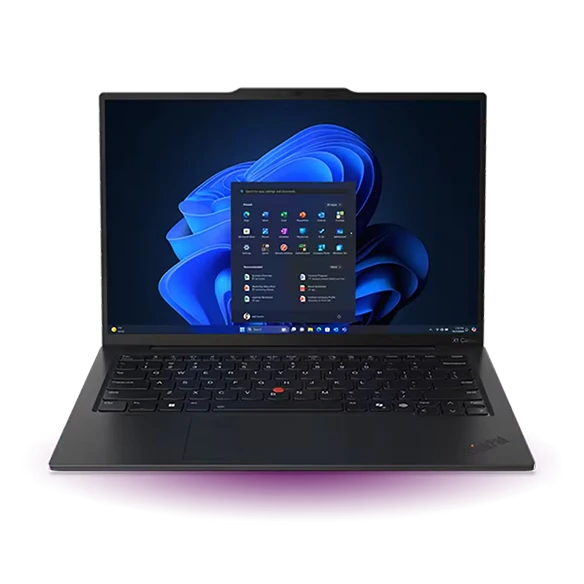
Lenovo ThinkPad X1 Carbon Gen 13
Aura Edition, 21NS0014US
The X1 Carbon is the first option for a lab that still assigns USB-A interfaces or an HDMI teaching screen.
The cited machine type is an Intel configuration with 32 GB of memory. Its combination of native USB-A, Thunderbolt 4 and HDMI reduces the equipment chain between the instrument and computer. A short chain is easier to describe to a technician when an instrument drops its connection.
Buy only after the lab confirms its driver and Windows version. The X1 Carbon’s low starting mass makes it easier to take notes at a field site, but its integrated graphics do not establish support for a course that mandates a particular discrete GPU. Use the workstation provided for that workload or obtain a different specification.
- What works
- A flexible collection of physical connectors on an x86 Windows platform.
- Trade-off
- Integrated graphics can rule it out for a specifically prescribed local GPU workflow.
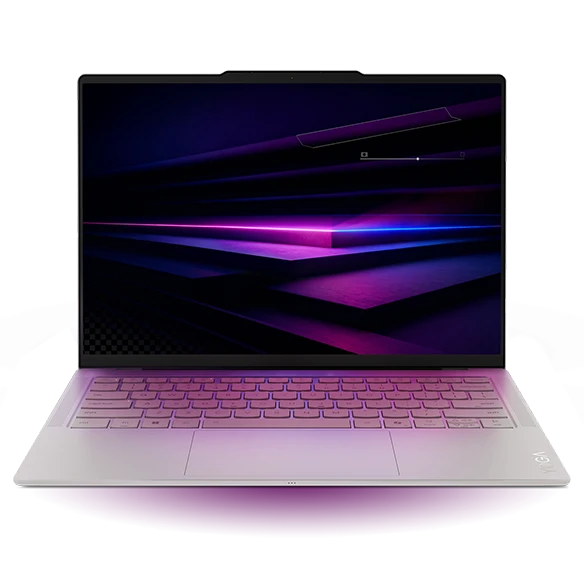
Lenovo Yoga Slim 7i Ultra Aura Edition
Gen 11, 14IPH11
The Yoga suits students who clean and review the data locally, then hand heavy jobs to a server.
The model family includes 32 GB configurations, and Lenovo lists a starting mass below one kilogram. That pairing is attractive for moving between a seminar and a data session without carrying a second computer. Three Thunderbolt 4 ports also leave room for a fast external drive and charging at the same time.
The physical format of the instrument connector matters. If the instrument uses USB-A, check the complete cable chain during the return period. A passive mechanical conversion does not supply a missing driver. Get the lab’s sign-off on the exact machine if it will carry the only copy of a field sample.
- What works
- Intel platform, useful memory options and low starting weight.
- Trade-off
- A legacy instrument can need both a physical adapter and a compatible driver.
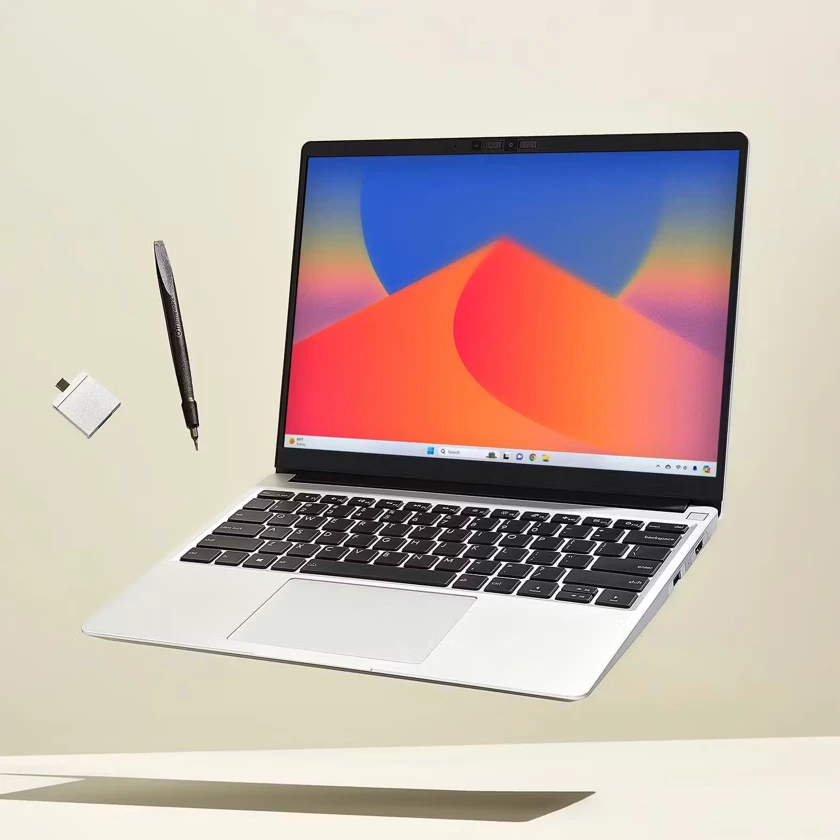
Framework Laptop 13 (AMD Ryzen AI 300)
AMD Ryzen AI 300 Series
The Framework 13 offers a route to more local memory as a project grows, with a moderate weight penalty.
The Ryzen AI 300 model has two DDR5 SO-DIMM sockets. Framework lists configurations up to 96 GB. That allows a student to price a modest initial configuration against the cost of expanding it later. Compare the supported module specifications and decide whether replacing both smaller modules would cancel the intended savings.
A lab might standardize the instrument connection on a particular Expansion Card and keep another card for the field setup. Four selectable positions add flexibility, but the USB speed and display capabilities are slot-dependent. Confirm the layout from Framework before promising a docking arrangement to the rest of the group.
- What works
- Serviceable memory makes changes during a long research project possible.
- Trade-off
- At 1.3 kg before accessories, this is a materially heavier choice than the lightest Yoga configuration.
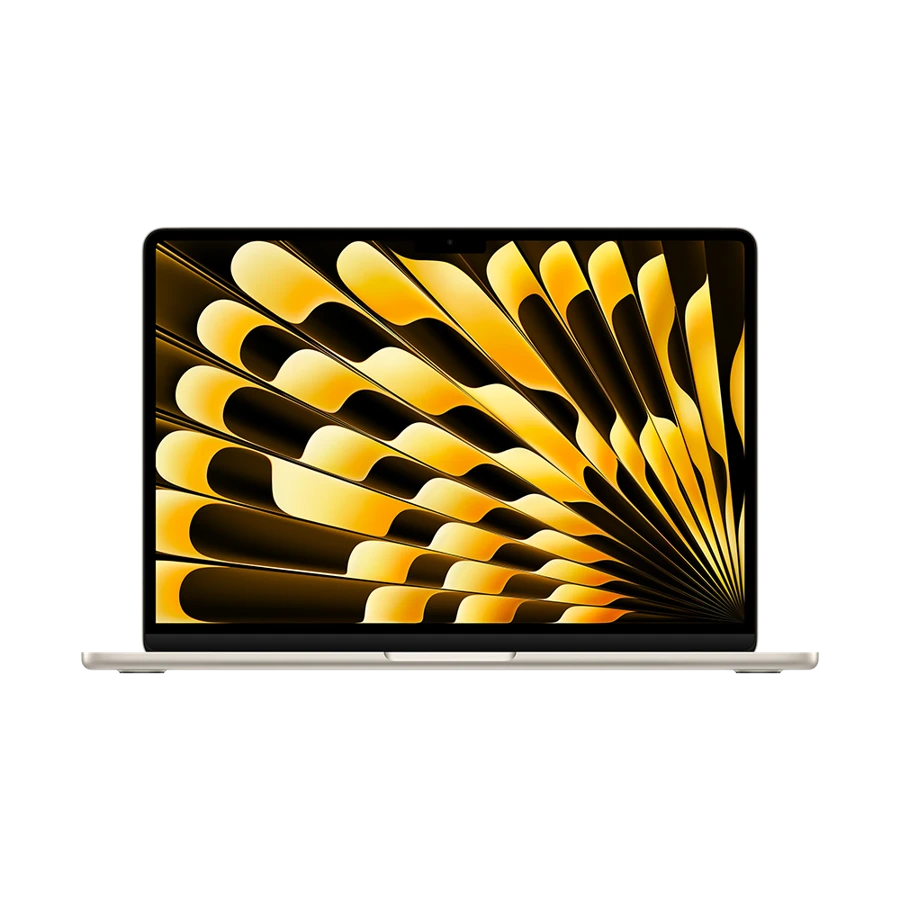
Apple MacBook Air 13-inch (M5)
13-inch M5, 2026
The M5 Air works best when the research group already maintains compatible packages and shares its setup instructions.
Apple offers 16, 24 or 32 GB of unified memory on this model. A student who expects to open several copies of a large table should decide on memory before ordering. A fast external drive can help with storage, but it does not enlarge the memory available for a calculation.
Ask for the group’s environment file and a known output. Run the analysis, compare the output and check the plug-in used to export figures. If a Linux server handles model training, verify how you move data to the server and recover interrupted transfers before evaluating a more expensive laptop configuration.
- What works
- A useful Mac terminal with 16 GB as the starting memory.
- Trade-off
- Windows-only collection software can require a separate lab machine.
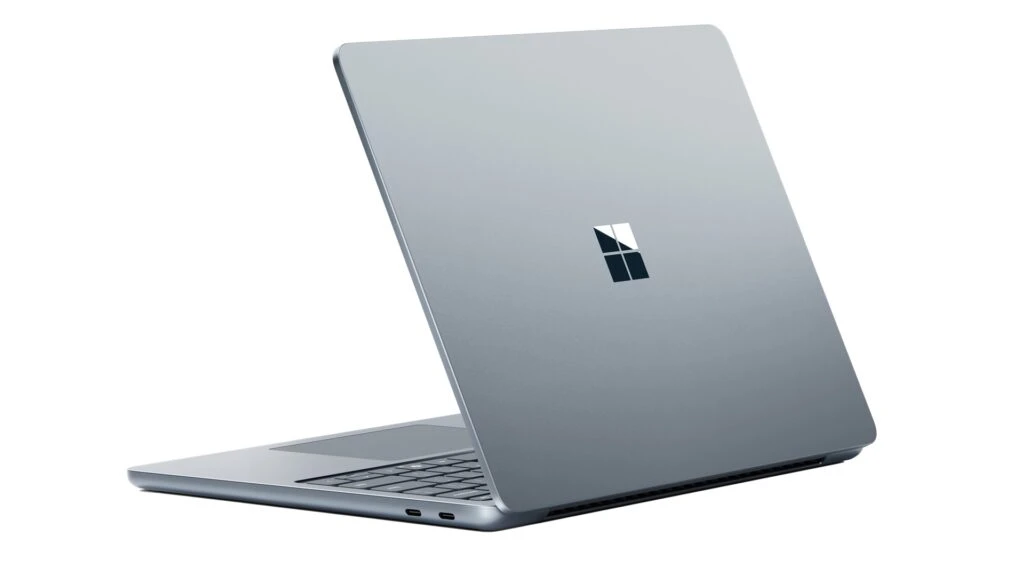
Microsoft Surface Laptop for Business 13-inch
Snapdragon X Plus 8-core
A Surface Laptop 13 makes sense as a portable terminal after the department validates its Windows-on-Arm applications.
The cited Snapdragon X Plus edition has 16 or 24 GB of memory. Those are workable choices for reading, writing and interacting with remote jobs. Microsoft documents which software and peripherals depend on Arm-compatible drivers. Trial both the campus VPN and any USB authentication hardware.
MathWorks documents support for certain Snapdragon systems through Windows emulation and notes capability limits. Check your release, toolbox and hardware package individually. If local execution is integral to grading, compare a known-good sample with the instructor before buying.
- What works
- A compact screen and manageable footprint for a remote computation workflow.
- Trade-off
- Passing the general application requirements does not establish instrument or toolbox support.
Specifications at a glance
| Model | Laptop weight | Processor | Display | Memory | Connections |
|---|---|---|---|---|---|
| ThinkPad X1 Carbon | From 986 g | Intel Core Ultra 7 258V | 14 in · 2.8K OLED | 32 GB | 2 × Thunderbolt 4, 2 × USB-A, HDMI |
| Yoga Slim 7i Ultra | From 975 g | Intel Core Ultra 7 355 option | 14 in · 2.8K OLED touch | 32 GB configuration | 3 × Thunderbolt 4 |
| Framework Laptop 13 | 1.3 kg | AMD Ryzen AI 300 Series | 13.5 in · 3:2 | 2 DDR5 SO-DIMM slots, up to 96 GB | 4 user-selectable Expansion Cards |
| MacBook Air 13 M5 | 1.23 kg | Apple M5 | 13.6 in · 2560 × 1664 | 16 GB base, up to 32 GB | 2 × Thunderbolt 4, MagSafe 3, audio |
| Surface Laptop 13 | 1.22 kg | Snapdragon X Plus | 13 in · 1920 × 1280 touch | 16 or 24 GB | 2 × USB-C 3.2, USB-A, audio |
Manufacturer figures for the named model or configuration. Starting weights exclude accessories and can vary with the screen and hardware selected.
Size the dataset and its copies
A table with one million observations and 100 numerical columns contains 100 million values. At eight bytes per value the raw array alone needs 800 MB, roughly 0.8 GB. A copy made during cleaning doubles the footprint. More columns, missing values, text fields, joins and program overhead can push memory requirements higher. This is a lower-bound calculation for the stated example.
| Stage | Calculation | Illustrative data footprint |
|---|---|---|
| One raw matrix | 1,000,000 × 100 × 8 bytes | 0.8 GB |
| Raw matrix plus working copy | Two arrays of 0.8 GB | 1.6 GB |
| Ten such matrices in memory | 10 × 0.8 GB | 8 GB before overhead |
| Move compute to a remote node | Transfer inputs and submit job | Local RAM depends on the client and local preprocessing |
A practical acceptance test before buying
Ask the department for its approved operating system and the release of the course package. For MATLAB, check the Windows requirements and then look up the individual hardware support package or toolbox. The processor on a general requirements page may qualify while a specialist instrument workflow still calls for another platform.
Try the path from an instrument to a finished output. Connect the device, collect a dummy sample, save a project, analyze it, export a figure and open that figure in the writing program. Repeat one run without the campus network. Record which steps fail because of licensing, architecture or a missing physical connection. Those failures change the laptop choice more than a screen refresh rate.
How we chose
We compared instrument control, preprocessing, expandable memory, an Apple-silicon environment and remote computation. Recommendations use official model specifications and vendor software documentation. The dataset calculation illustrates memory demand and does not predict application speed.
Frequently asked questions
Should a graduate student buy a laptop with a discrete GPU?
Only when the program, application or local workload calls for it. Ask whether the department supplies remote compute time and whether network access is available where you work.
Is Windows on Arm the same choice as Intel Windows for a lab?
A compatible application may run successfully on either. Drivers, instrument support and some toolboxes are separate requirements. Verify those for the specific device and software release.
What should I send a lab technician before ordering?
Send the exact laptop configuration, operating system, instrument model and course software releases. Ask for a sample workflow you can complete during the return period.
Sources & specifications
- Lenovo ThinkPad X1 Carbon Gen 13 · official specifications
- Lenovo Yoga Slim 7i Ultra Aura Edition · official specifications
- Framework Laptop 13 (AMD Ryzen AI 300) · official specifications
- Apple MacBook Air 13-inch (M5) · official specifications
- Microsoft Surface Laptop for Business 13-inch · official specifications
- MATLAB Windows system requirements by release
- MathWorks hardware support packages by platform
- Microsoft guidance for Arm-based Surface software and drivers
- Framework supported DDR5 memory for the Ryzen AI 300 series