How to Compare Travel Headphones for Calls and Quiet
Travel headphones often need to do two jobs: make a journey more comfortable and let you join a call when you arrive. Evaluate those jobs independently. Noise cancellation changes the sound you hear, while the microphone system and its processing affect what reaches the other caller. A product description emphasizing a quiet listening experience is not sufficient evidence of clear speech in a busy terminal.
List your recurring environments: a train seat, hotel room, shared workspace or pavement outside a station. Decide where calls are essential and where listening is the priority. This avoids choosing an impressive feature that solves the least important part of your journey. For frequent scheduled meetings, microphone behavior and connection stability may deserve more weight than extra listening effects.
Compare the fit you can maintain for a whole session
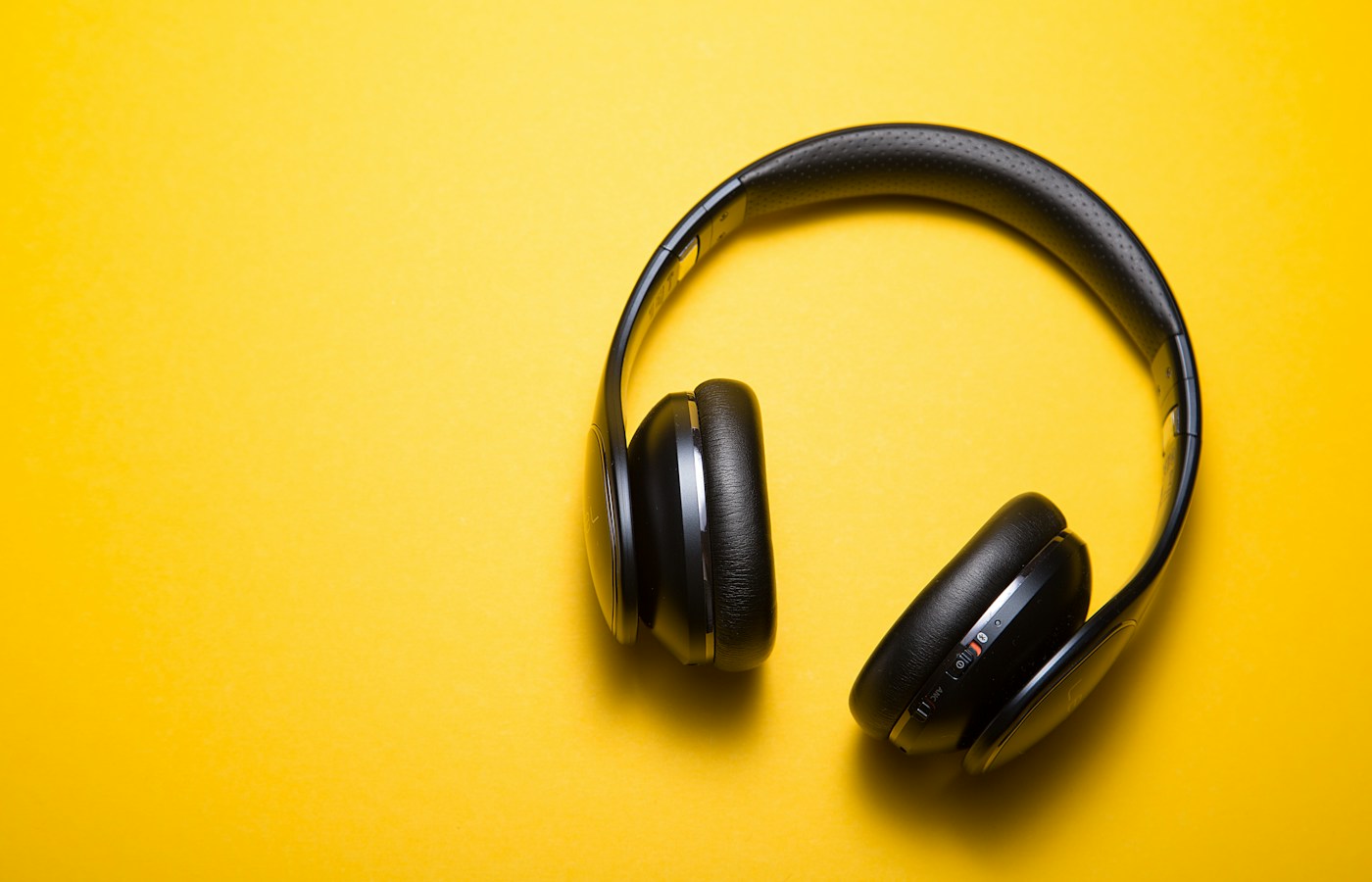
Over-ear headphones and earbuds occupy different amounts of bag space and place pressure in different locations. Try the intended format with glasses, earrings or other items you normally wear. Check adjustment range, ear-cup space or tip options, then assess whether you keep repositioning the headphones. An initially comfortable fit may become distracting over the length of a working call.
Fit also interacts with isolation. Apple's guidance for AirPods Pro, for example, identifies a good fit as important for noise cancellation and transparency behavior. That does not establish a universal performance ranking, but it explains why your own fit check matters. Compare listening modes at a comfortable volume and confirm that their controls are accessible when your phone remains in a pocket.
| Your priority | Comparison task | Useful evidence |
|---|---|---|
| Calls from temporary workspaces | Make a call using the actual meeting app | Speech clarity reported by the other participant |
| Long listening sessions | Wear the headphones for a normal session | Comfort, stable fit and usable listening modes |
| Phone and laptop switching | Move between the two devices and answer a call | A documented connection process that works consistently |
| Compact travel kit | Pack the headphones with their protection and accessories | Complete packed dimensions and convenient access |
Test the call path rather than the music demo
A music sample tells you little about how a headset behaves with its microphone active. Pair the candidate with the laptop and phone you use, open your usual meeting software and select both the correct input and output. Ask another person to describe speech clarity, background sound and interruptions. Repeat after switching devices if that is part of your normal routine.
Connection behavior depends on the whole system. Microsoft's documentation distinguishes Bluetooth Classic listening and hands-free profiles, and separately describes supported Bluetooth LE Audio configurations. Do not assume that a codec logo or a headphone's Bluetooth version guarantees the same call experience on every computer. Verify the specific combination of operating system, drivers, headset support and application you intend to use.
Check what wired and multi-device modes actually do
If wired listening is part of your backup plan, read the manual closely. Confirm the supported connection, whether the battery is needed and whether the microphone works in that mode. A USB-C charging port does not by itself establish USB audio support, and an included audio cable does not prove that its connection carries the headset's microphone to a laptop.
For multi-device use, distinguish being paired with several devices from maintaining the connections you need at the same time. Try the transition from laptop audio to a phone call, then back to the meeting. Check how you mute yourself and whether the application reflects that state. A predictable transition can be more valuable on a work trip than an additional listening customization.
Compare a complete day, including charging and packing
Read battery-life claims with their stated conditions, including whether noise cancellation or other processing is enabled. Plan around your own sequence of listening and calls, leaving time for charging between sessions. Check the charging connector and whether one of your existing travel cables can serve it. For earbuds, consider how readily you can recharge the case as well as the earpieces.
Finally, compare the protected package that goes in your bag: headphones, case, cable and any adapter for a particular seatback system. Check replacement cushion or tip availability and cleaning instructions. Keep a simple record of comfort, call behavior, device transitions and packed size from your permitted trial. Choose the option that handles your essential journey and meetings consistently, with documented fallback connections rather than assumptions about them.
Summary
Separate what you hear from what callers hear, then compare comfort, connection options and the complete travel kit.
- Listening noise cancellation and microphone performance answer different questions and should be evaluated separately.
- Try the headphones with your actual phone, laptop and meeting application, including microphone use.
- Include the case, cables, adapters and realistic charging routine when comparing travel convenience.